
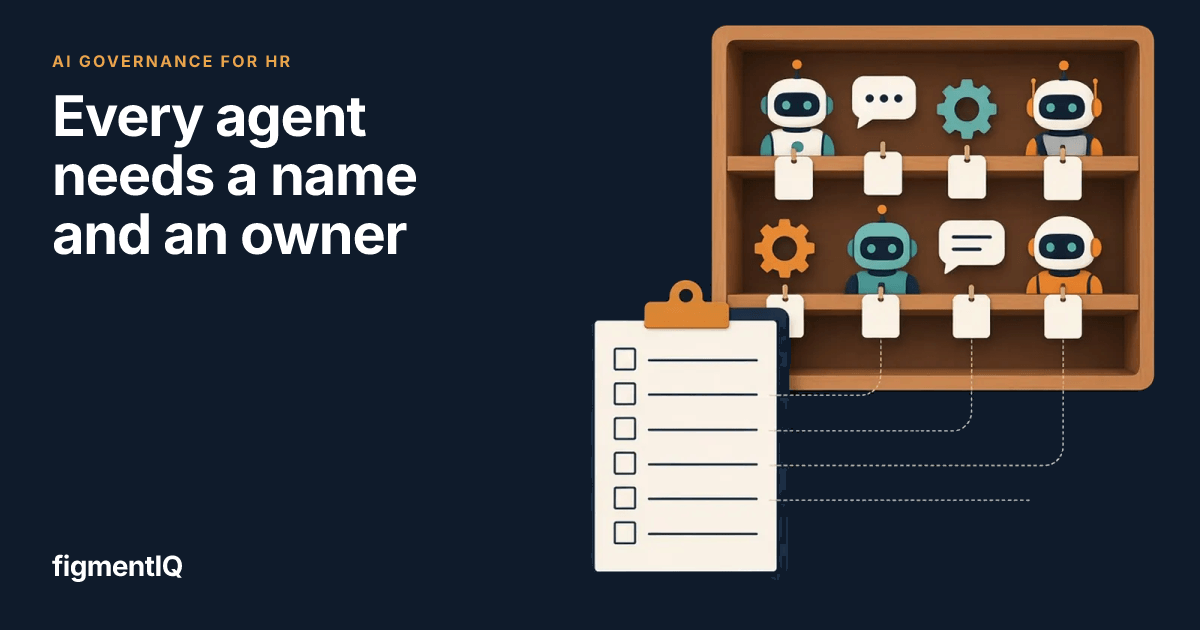
How to build an AI agent inventory your team will keep
Picture a quarterly ops review. Someone asks a simple question: “How many AI agents do we run?” Finance says four. IT says eleven. The sales manager says, “Does the thing that writes my call summaries count?” Nobody is wrong, exactly. Nobody has a list.
That’s a hypothetical, but it’s a common one. AI agents and automations get built the way spreadsheets used to: one person, one problem, one afternoon. They don’t arrive through procurement, so they don’t land on anyone’s register. Then the person who built one changes roles, and the team finds out what it was relying on.
The short version:
- An AI agent inventory is one list of every AI agent, assistant, custom GPT and automation your teams rely on, with an owner, a backup and a note on what breaks without it.
- It’s the first step of AI governance and AI continuity. You can’t hand off, secure or retire what you haven’t written down.
- Build it in five steps: define what counts, ask people (not just systems), record a small set of fields, rate how critical each item is, and assign an owner who reviews it on a schedule.
- Tie updates to events HR already runs: onboarding, role changes and offboarding.
Prefer to watch?
5-minute video
Plays from YouTube. Playing sets YouTube cookies.
Why bother with an AI agent inventory?
Inventories aren’t a new idea. In its AI Risk Management Framework, NIST lists this as a governance outcome: “Mechanisms are in place to inventory AI systems and are resourced according to organizational risk priorities” (NIST AI RMF Playbook, GOVERN 1.6). The same guidance notes that inventories are a common element of traditional model risk management, and that “partial inventories may not provide the value of a full inventory.”
Vendors are building the same idea into their admin tools. Microsoft’s Agent Registry in the Microsoft 365 admin center lists the agents available in a tenant, and its summary includes a count of “agents without owners,” meaning agents that no longer have an owner at your organization. That is a useful number to have. It also tells you something: the problem is common enough to earn its own tile on the dashboard.
A platform registry only sees its own platform, though. Microsoft notes that the complete inventory there includes agents without a Microsoft Entra agent identity (Agent Registry convergence), which is helpful inside Microsoft 365. It won’t see the personal ChatGPT account someone uses for proposal drafts, or the script a coordinator had an AI write last spring. Those still need a home on your list.
What counts as an “agent” on your list?
Keep the definition broad and practical. If someone would notice it stopped working, it goes on the list. That usually includes:
- Assistants and agents in company platforms (Copilot agents, Gemini Gems, Claude Projects, custom GPTs).
- Automations that call an AI model (workflow tools, scheduled jobs, email or ticket triage).
- AI-written scripts and small tools people run themselves.
- Prompt libraries and saved instructions a team reuses.
- AI work in personal accounts that’s being used for company work. This is the shadow AI piece, and it’s often the riskiest.
Don’t try to settle edge cases in a meeting. Put it on the list and mark it “low” if it turns out to be trivial. A slightly too-long list beats a tidy one with holes.
How to build an AI agent inventory in five steps
1. Start with people, not scans
Admin consoles and network tools show you which AI apps are in use. They don’t tell you what someone built inside them, or whose job depends on it. So ask. We suggest a short, no-blame survey by department with three questions:
- What AI tools, agents or automations do you use at least weekly for your job?
- Did you build or configure any of them, or did someone else?
- If it disappeared tomorrow, what would stop or slow down?
Make it clear the goal is to protect the work, not to punish anyone. You’ll get better answers. People are quick to mention the tool and slow to mention the personal account it runs on, so ask about accounts directly.
2. Cross-check with what IT can see
Next, compare the survey with what your platforms report: agent registries, app usage reports, connected-app lists, and expense lines for AI subscriptions. Anything that appears in one source and not the other is a follow-up question, not an accusation.
3. Record a small, fixed set of fields
Resist the urge to build a 40-column monster. Here’s a starting template. The example values are illustrative, not real data:
| Field | What to write | Example (illustrative) |
|---|---|---|
| Name | Plain-language name | “Invoice exception triage” |
| What it does | One sentence | Flags vendor invoices that don’t match a PO |
| Where it lives | Platform and account | Workflow tool, shared AP service account |
| Builder | Who created it | AP analyst |
| Owner | Who is accountable now | AP manager |
| Backup | Second person who can run it | Senior AP specialist |
| Depends on | Logins, keys, connected systems | ERP read access, shared mailbox |
| Who relies on it | Team, process or customer | Accounts payable, month-end close |
| Criticality | High, medium or low | High |
| Runbook | Link, or “none” | None yet |
| Last reviewed | Date | (date of last check) |
The two fields that do the most work are owner and backup. A row with a builder but no owner is a future surprise. A row with an owner but no backup is a bus factor of one.
4. Rate criticality, then act on the top rows
Use a simple test: if this stopped working on a Monday, would anyone outside the builder’s own desk notice by Wednesday? If yes, it’s high. For each high item, move it to a company account if it isn’t on one, name a backup, and write a short handoff document. Our AI runbook template covers what to include.
5. Give the list an owner and a review rhythm
Yes, the inventory needs an owner too. We know. Someone in ops or HR should own the list itself, with each row owner confirming their entries on a set schedule. Quarterly is a reasonable place to start.
Tie the inventory to people events
Lists of AI tools go stale when nothing forces an update. The fix is to attach the inventory to moments HR already manages:
- Onboarding: new hires learn where approved AI work lives and that what they build goes on the list.
- Role changes and long leaves: the person’s rows get a temporary or permanent new owner.
- Offboarding: before the last day, every row with that person as builder, owner or backup gets reassigned. Add it to your employee offboarding checklist.
This is where HR and ops have an advantage IT doesn’t. You know who is leaving, often weeks before anyone else does.
Quick answers
What’s the difference between an AI agent inventory and an AI policy? The policy says what people may do with AI. The inventory records what they actually built and who owns it. You need both, and the inventory is how you check whether the policy is working.
Who should own the AI agent inventory? Ops or HR should own the list and its review schedule, with IT supplying what platforms can detect. Each row needs a named business owner, not just the builder.
How long does a first inventory take? For one department, a survey, a cross-check and a short follow-up conversation with each builder are usually enough for a usable first pass. Expanding to the whole company is easier once the template and survey are proven on one team.
Can’t a software tool build the list for us? Platform registries help, and you should use them. But each one sees only its own platform, and none of them knows who would notice if a tool stopped working. That part still takes people.
Start with one department
You don’t need a company-wide program to begin. Pick the team where one departure would hurt most, run the survey, and fill in the template. You’ll learn more from one honest list than from a perfect plan.
If you’d like help, our AI Continuity Assessment takes one department and two weeks. We find the AI work that team relies on, score how exposed it is, and write Continuity Runbooks for the three riskiest items. If we find nothing at risk, you don’t pay. We’re also building an AI Agent Registry to keep this list current over time.