
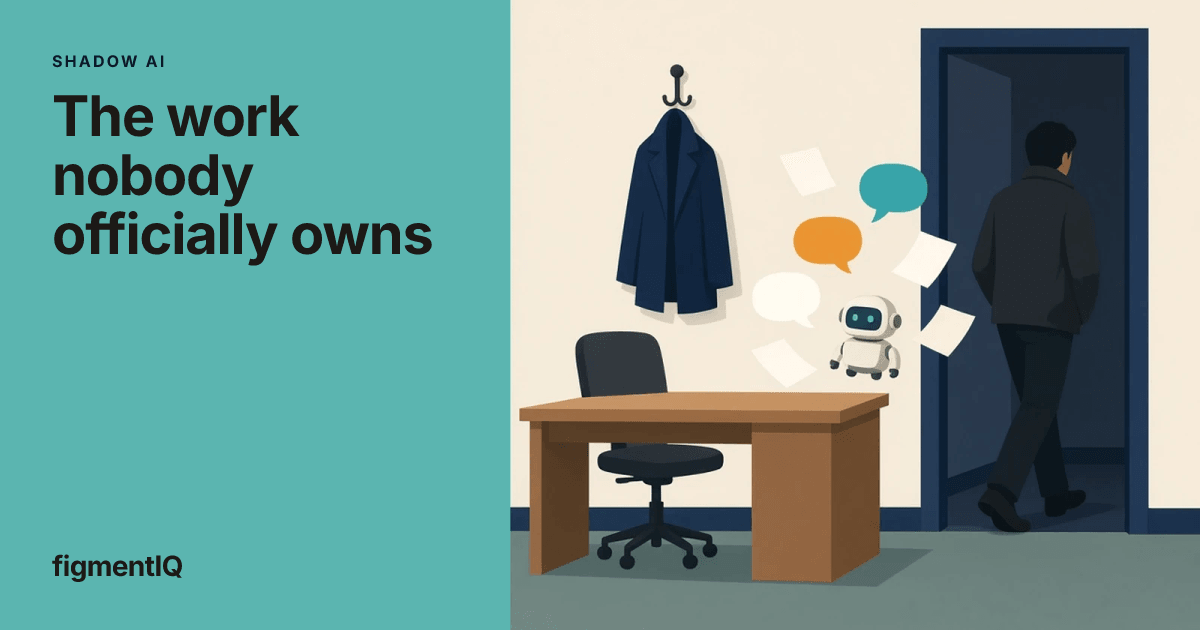
What is shadow AI? The work that leaves with them
Picture a Friday afternoon. Your recruiting coordinator turns in her laptop and leaves. On Monday, the shared folder of “interview score drafts” she always had ready by 9:00 a.m. is empty. For a year she had been pasting résumés into a personal AI account, which scored candidates and dropped a summary into that folder. Nobody else had the login or the instructions. The account was hers, so the work was too.
That’s a hypothetical. The setup is not. Plenty of useful AI work in a mid-size company never appears on an approved-tools list, and it doesn’t get handed off, because it never looked like a system. It looked like how someone did their job.
The short version:
- What is shadow AI? It’s AI that runs in your company without governance: tools nobody officially approved, and agents nobody officially owns.
- That includes a personal chatbot someone uses for work, and a company-approved assistant that only one person can run or rebuild.
- The security risk is real. The continuity risk is quieter: when the person leaves, the work can leave with them, and you may not know it existed.
- Start by asking what AI people actually use, writing down who owns the work, and moving anything the team relies on onto a company account.
Prefer to watch?
4-minute video
Plays from YouTube. Playing sets YouTube cookies.
What is shadow AI, in plain English?
In its guidance on preventing data leaks to shadow AI, Microsoft defines shadow AI as “the use of artificial intelligence (AI) tools, especially generative AI, by users without the knowledge, approval, or governance of their organization’s IT or security teams.”
On why shadow AI governance matters, Microsoft splits it into two forms:
- Unsanctioned tools employees adopt on their own, such as desktop chat assistants and browser extensions that never went through IT.
- Unmanaged agents that may sit inside the company’s own environment, but were never registered, assigned an owner, or brought under policy.
What those two share, Microsoft says, “isn’t where they run or what they do; it is that they sit outside the controls the enterprise applies to everything else.” In plainer terms for HR and ops: shadow AI is AI work the company cannot officially see, approve, or recover.
The part that isn’t in the security brief
Most writing about shadow AI is aimed at data loss: someone pastes a customer list into a personal chatbot, and now that list lives on a vendor’s servers under an account you don’t control. That risk is real. There’s a second problem that looks smaller until someone resigns. Unapproved tools are also unowned work.
The federal bank examiners’ handbook already makes this point about shadow IT, the older cousin of shadow AI. The FFIEC defines shadow IT as devices, software, or services running “without the knowledge, approval, or control of IT management.” Among the risks it lists is an “inability to back up and recover unknown devices or software.” It also warns that yanking the unofficial tool without a plan can itself break a department: “the entity’s product and service delivery and revenue stream could be affected if shadow IT is removed without an appropriate plan.”
The unofficial tool may be the process. Finding it is not the same as being able to keep it.
Why we care about this one
It’s easy to treat “Do we use AI?” as a program question: a licensed copilot, a steering committee, a use policy. Those are worth having. They do not tell you what a coordinator in recruiting or a supervisor in finance has quietly built to get through the week.
That unofficial work becomes a little micro department with a single employee. When that person leaves, the department leaves too. No ticket gets filed, because officially the department never existed.
This is already how a lot of people work
In Microsoft and LinkedIn’s 2024 Work Trend Index, published in May 2024, 75% of global knowledge workers said they use AI at work, and 78% of those AI users said they were bringing their own AI tools to work (BYOAI). The report also found that 52% of people who use AI at work were reluctant to admit using it for their most important tasks.
If your official inventory is a short list of approved apps, it is probably a list of the work you already know about.
Is this shadow AI? A test you can run this week
Take one team and, for each AI-assisted step, ask the questions in the table. The rows are illustrative, not a real company.
| What someone does | Approved? | Owner and backup? | Company account and instructions? | Shadow AI? | Recoverable if they left Friday? |
|---|---|---|---|---|---|
| A recruiter scores candidates in a personal AI account and drops summaries in a shared folder | No | No | No | Yes | No. The login, instructions and history leave with them. |
| A finance supervisor uses the approved assistant, but only they know the prompts, and it runs under their login | Yes | No | Partial: company tool, personal knowledge | Yes, unmanaged | The tool stays. The know-how may not. |
| Two coordinators use a company workspace assistant. Instructions live in a shared doc. A backup has run it. | Yes | Yes | Yes | No | Yes, with a short handoff. |
| Someone uses a personal chatbot once to tighten a paragraph, then discards it | No | n/a | No | Technically yes | Nothing the team depends on. |
The useful surprise is in row two. A tool can be on the approved list and still be shadow AI if nobody owns it and nobody else can run it. Approval is not the same as continuity.
Two rules:
- If the team depends on the output, move it to a company account now, not during notice. A personal account gives the company nothing to export.
- If only one person can run it, write the instructions down and name a backup. Our AI runbook template is a starting point, and an AI acceptable use policy should require company accounts and a named owner, not just a ban on pasting sensitive data.
Add one line to offboarding: “What AI have you used or built that other people rely on?” Our employee offboarding checklist for AI has the rest.
Don’t start with a crackdown
A ban is satisfying and usually incomplete. People who already use unofficial tools will move to personal phones and accounts you can’t see. The 52% who were reluctant to admit it will stay reluctant.
Ask first, in language about keeping the work running, not catching anyone. “What AI helps you do your job, and what would break if you were out for a month?” will surface more than a scan. Our post on shadow AI detection covers why a list of apps still isn’t a list of owners. If you want help with that inventory, see Shadow AI Discovery.
Quick answers
What is shadow AI? Shadow AI is AI that operates in the company without governance: unsanctioned tools employees adopt on their own, and unmanaged agents that were never assigned an owner. The practical test: if the person who uses it left on Friday, would you know it existed, and could you keep the work going?
Is ChatGPT shadow AI? Not automatically. A company-managed ChatGPT workspace, with a named owner and a backup, is sanctioned use. A personal ChatGPT account used for work the team depends on is shadow AI. The product name is not the tell. The account, the owner and the recoverability are.
What is an example of shadow AI? A personal AI account that drafts vendor replies, scores candidates, or builds the weekly report the team waits on. A company-approved assistant that only one employee can run counts too.
How do you avoid shadow AI? You probably can’t avoid all of it, and a crackdown often pushes it further out of sight. Give people a sanctioned option that’s easy to use, require company accounts for work the team relies on, name an owner and a backup, and make it safe to disclose what’s already in use.
The question to ask this week
Pick one department and ask: “If you were out for a month, what AI-assisted work would stop?” If the answer involves a personal login or a shrug, you’ve found your first row.
That’s why we started figmentIQ. If you’d like a second set of eyes, we’re happy to help. Our AI Continuity Assessment takes one department and two weeks. We find the AI work that team relies on, including tools on personal accounts, score how exposed it is, and write runbooks for the three riskiest items. If we find nothing at risk, you don’t pay. For how this fits an exit process, see our HR offboarding page.