
Should you block AI tools at work? What to do instead
Picture a Monday morning memo. After a scare about someone pasting a contract into a chatbot, leadership decides to block AI tools at work, effective immediately. IT adds the big AI sites to the web filter. By lunch, the dashboard shows AI traffic near zero. Problem solved.
By Wednesday, the customer success team is drafting replies on their phones. A financial analyst is running the same prompts at home on a personal laptop and emailing herself the results. The scheduling assistant ops built last spring is still running, from someone’s personal account that the filter never saw in the first place.
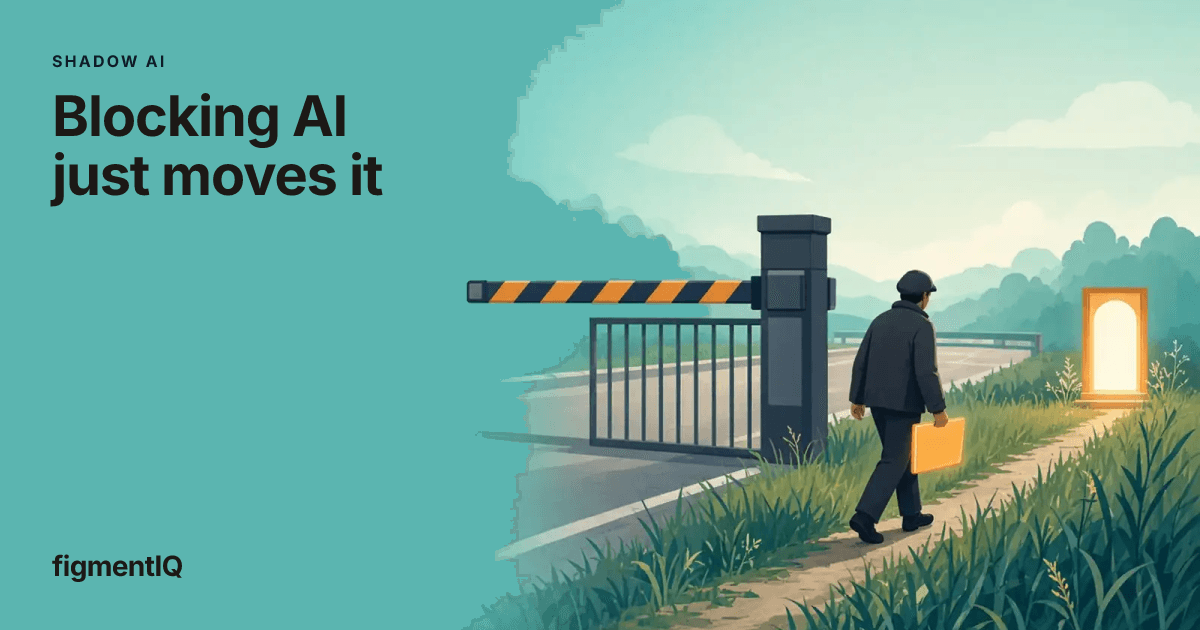
That’s a hypothetical. The pattern behind it is well documented. The block didn’t stop the AI work. It moved it somewhere the company can’t see, can’t secure, and can’t get back when the person who built it leaves.
The short version:
- Blanket bans on AI tools mostly change where people use AI, not whether they use it.
- The UK’s National Cyber Security Centre says shadow IT, including shadow AI, is rarely malicious. It usually means the approved tools don’t meet a real need.
- Offer a sanctioned option first, make it easy to request a tool, then block what’s left.
- Blocking still has a place: specific tools, specific data, and specific risks. It just works best as the last step, not the first.
Prefer to watch?
5-minute video
Plays from YouTube. Playing sets YouTube cookies.
Why do companies block AI tools at work?
The reasons are usually good ones. Leaders worry about confidential data going into tools the company has no contract with. They worry about accuracy, about client confidentiality, and about not knowing what is running where. A block is fast, visible, and easy to explain in a memo.
The trouble is what happens next. When the National Cyber Security Centre (NCSC) wrote its guidance on shadow IT, it named AI tools used without permission as part of the problem. It also said shadow IT is “rarely the result of malicious intent” and is “normally due to employees struggling to use sanctioned tools or processes to complete a specific task.”
In other words, the person using an unapproved AI tool is usually trying to do their job. Blocking the tool doesn’t remove the job.
What the surveys say about bans
This isn’t a small group of rule-breakers. A few numbers from the original research:
| Finding | Source |
|---|---|
| 78% of AI users at work bring their own AI tools rather than using ones the company provides. | Microsoft and LinkedIn, 2024 Work Trend Index |
| About half of 6,000 knowledge workers surveyed use non-company-issued AI tools, and 46% said they would refuse to give them up even if their organization banned them completely. | Software AG, October 2024 |
| Over half of workers using generative AI at work do so without formal approval, and nearly 7 in 10 have never received training on using it safely. | Salesforce, November 2023 (14,000+ workers, 14 countries) |
Read together, the message is fairly plain. People who find AI useful will keep using it. The only open question is whether they do it in a tool the company can see.
Where blocked AI work goes
When a ban lands, AI work tends to move to three places, roughly in this order:
- Personal devices. Phones and home laptops sit outside the company network, so a web filter never sees them. Remote and hybrid staff make this even easier.
- Personal accounts. Even where a tool is allowed, a filter usually can’t tell a company login from a personal one. We covered that gap in company Claude vs personal Claude.
- Copy-and-paste workflows. Data gets moved by hand between work systems and a personal AI tool, which is harder to trace than anything a filter could have caught.
Each of those is worse for security than the original problem. Each is also worse for continuity, which is the part that rarely makes it into the memo. A prompt library on someone’s personal account, an automation running on their home laptop, a custom assistant tuned over a year: none of it shows up in an inventory, and all of it leaves with them. The ban was meant to reduce risk. It can quietly create shadow AI that nobody can hand over.
The NCSC makes a related point about culture: “If you blame or punish staff, their peers will be reluctant to tell you about their own unsanctioned practices, and you’ll have even less visibility of the potential risks.” A ban announced as a crackdown tends to do exactly that.
Sanction first, then block
The NCSC’s suggested organizational fixes read a lot like a sequence: avoid unnecessary lockdowns, have a simple and fast process for user requests, provide controlled access to services outside the norm, and bring unsanctioned services under control by moving the data into supported platforms. Here’s how we’d turn that into steps an HR or ops leader can own alongside IT.
Step 1: Find out what people already use. Before anyone changes a filter, ask. A short, no-blame survey or a few team conversations will surface the tools and, more important, the tasks behind them. The tasks tell you what a sanctioned option needs to cover. (This is the starting point of Shadow AI Discovery.)
Step 2: Provide a sanctioned option that does the job. A company account in a mainstream AI tool, with a business agreement and admin controls, covers most everyday use. If it can’t do what people need, they’ll go back to what can.
Step 3: Publish a short list and a request path. One page: approved tools, what data can go into them, and how to ask for something new. Promise an answer within a set number of days and keep the promise. Our post on an AI acceptable use policy that covers continuity has four ownership clauses worth adding.
Step 4: Move existing AI work onto company accounts. Give people a window to bring their prompts, assistants and automations over, with no penalty for having built them elsewhere. This is the step that protects continuity, because it turns personal work into company work that someone else can find and run.
Step 5: Then block what’s left. Once there’s a real alternative and a fast way to ask for more, blocking specific unapproved tools is a reasonable control, and people are far less likely to route around it.
What is still worth blocking
Sanction-first doesn’t mean anything goes. A simple way to sort tools, shown here with illustrative examples:
| Decision | When it fits | Illustrative example |
|---|---|---|
| Allow | Company account, business terms in place, admin can see and manage users | The company’s licensed AI assistant |
| Allow with limits | Useful, but only for certain data or roles | A transcription tool allowed for internal meetings but not client calls |
| Block | No business terms available, unclear data handling, or a free consumer tier used with company data | Personal-tier accounts used for client documents |
The goal is that every block points to an allowed alternative. A block with nowhere to go is the one people work around.
Quick answers
Should we block ChatGPT or other AI tools at work? Block specific tools only after you’ve given people a sanctioned option and a way to request others. Blanket blocks tend to push use onto personal devices and accounts, where you have less visibility, not more.
Who should own this, IT or HR? Both. IT owns the controls. HR and operations own the policy, the request process, and what happens to AI work when people change roles or leave. A block without a policy behind it is just friction.
What if our industry requires strict controls? Then keep them, and make the sanctioned path even easier, because the cost of people going around the controls is higher for you. Regulated firms often get the most value from a fast request process.
Ask where the AI work went
If your company has already blocked AI tools, the useful question isn’t whether the block worked. It’s where the AI work went, and who could run it tomorrow if its builder left today.
If you’d like help answering that, we can help. Our AI Continuity Assessment covers one department over two weeks: we find the AI work the team relies on, including work on personal accounts, score how exposed it is, and write runbooks for the three riskiest items. If we don’t find a single AI workflow that depends on one person, you don’t pay.